by · MasLogin · November 25, 2025
Extensions are deeply integrated with the browser, preserving original website compatibility and familiar workflows while making it more efficient and secure to handle complex tasks or access specific sites. Combined with the fingerprint browser’s isolated environment management, accounts and data remain separated from each other—meeting personal operations, team collaboration, and risk-control compliance needs at the same time, and improving efficiency, privacy, and stability overall.
1. Extension Market
MasLogin provides free extensions. You can browse them in 【Extension】 > 【Extension Market】.

You can add an extension directly from the top-right corner of the extension card.

2. Manage Added Extensions
In 【Installed Extensions】, you can view the extensions that have been added to global settings.
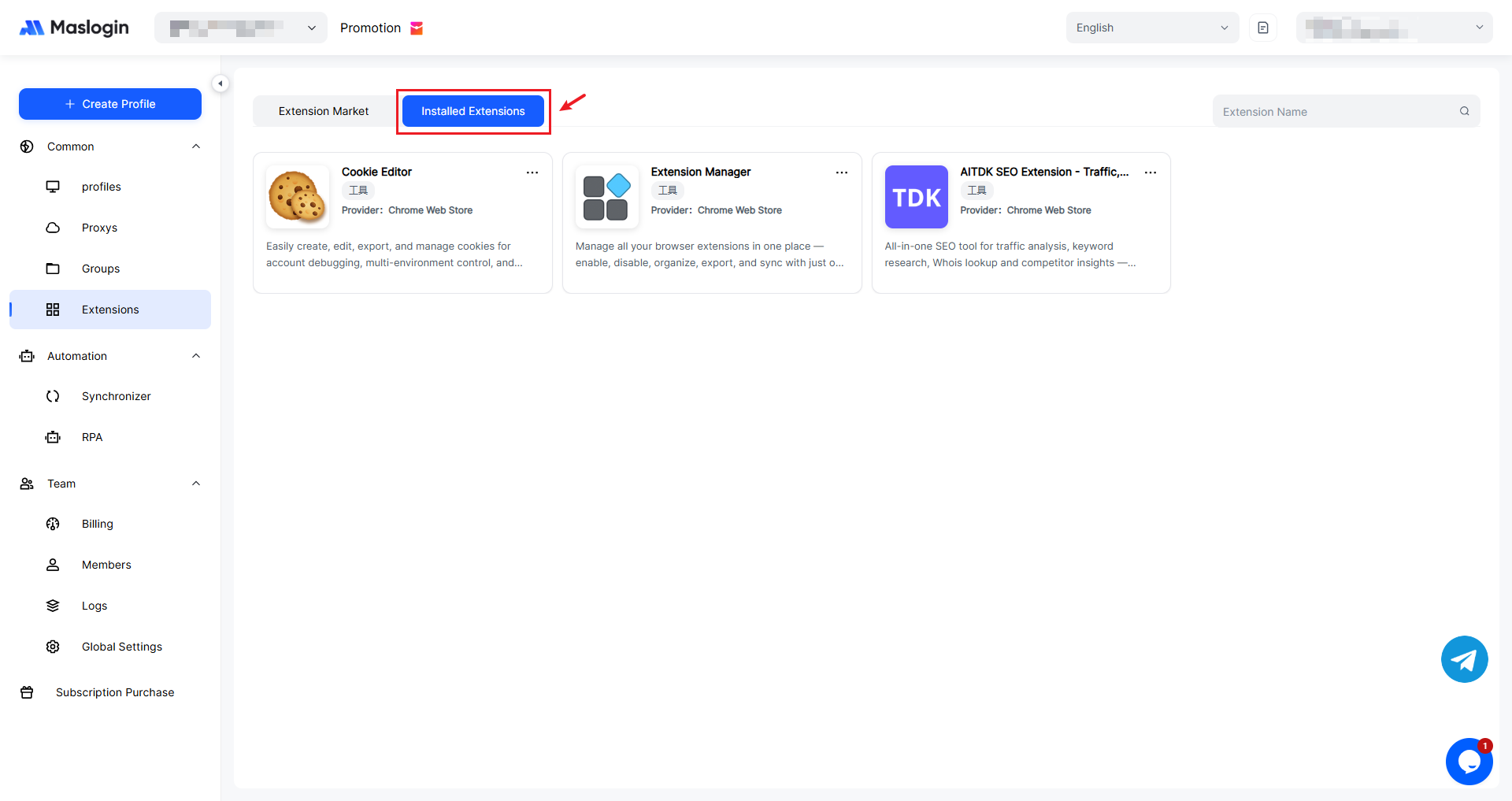
If there are extensions you no longer need, you can delete them here.

3. Extensions and Browser Environments
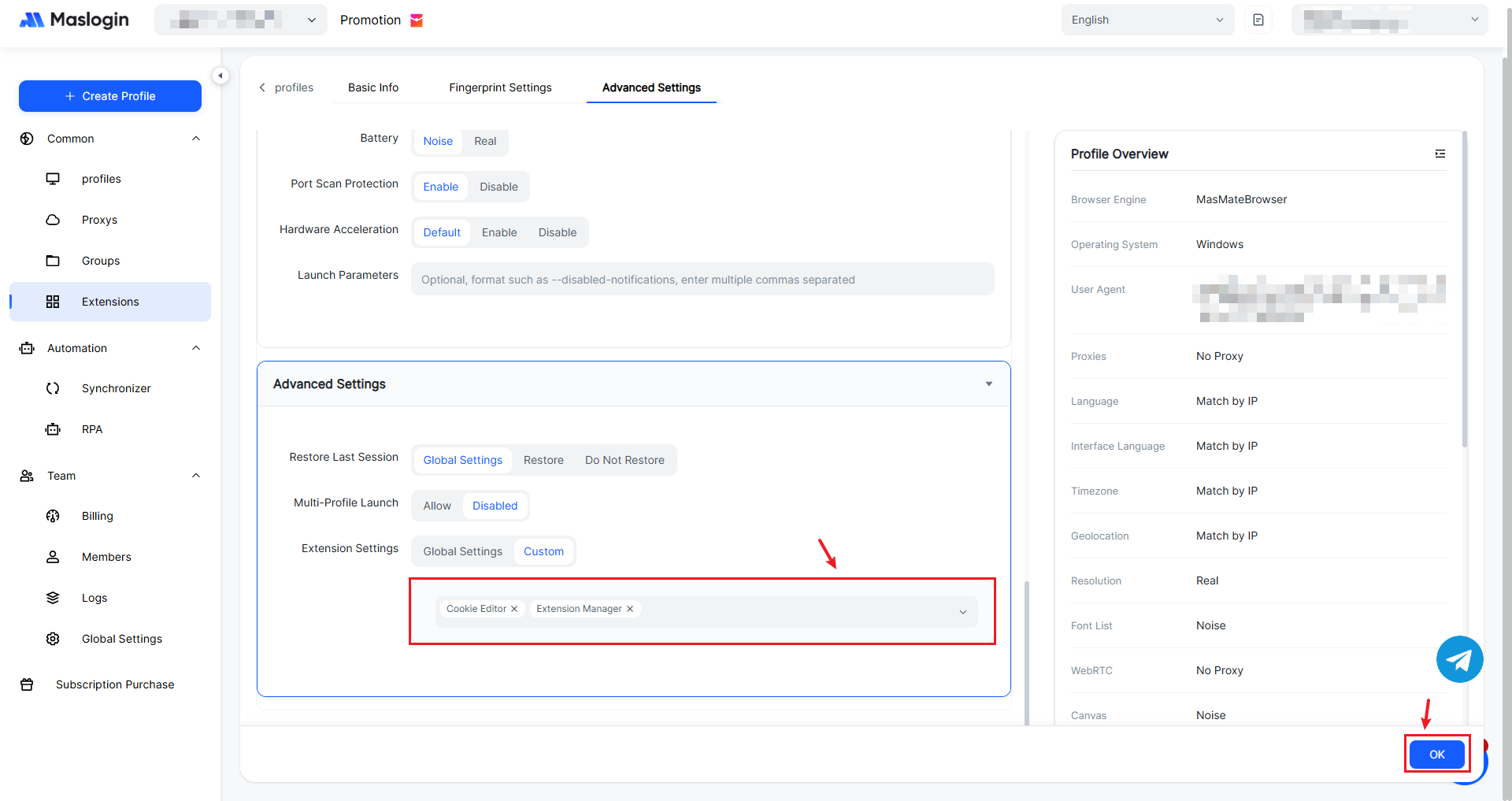
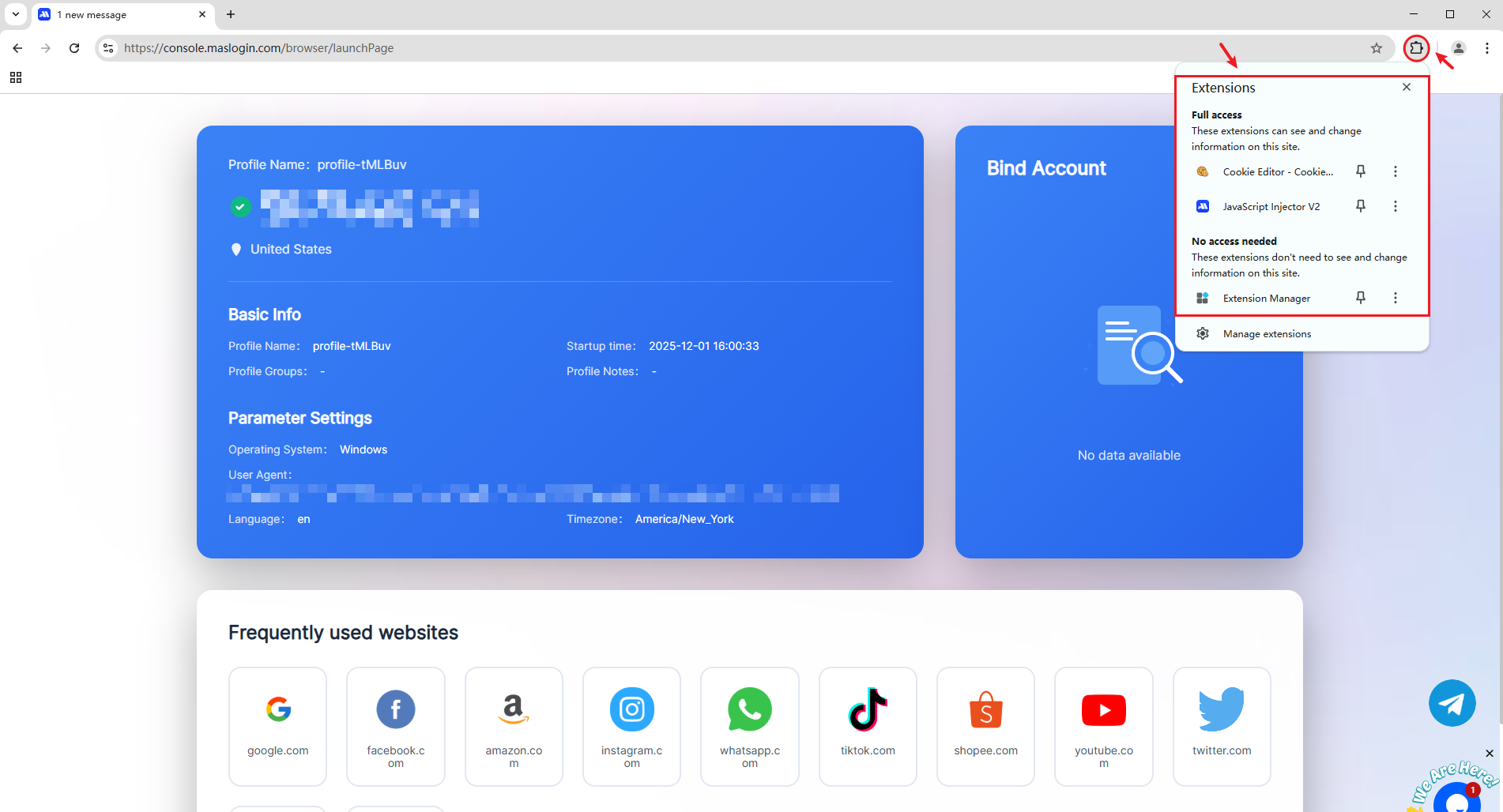
You can manage extensions installed for a specific browser environment under 【Advanced Settings】 in the environment settings.